Rewrite Your Title Tags
The title tag is the clickable headline in search results. It's one of the strongest on-page ranking signals. It's also what shows in the browser tab, and often in AI answers and social shares.
✓ How To Do It
- Start with your quick-win pages, then work through the rest of your keyword map.
- Lead with the primary keyword for the page.
- Keep it under about 60 characters so it doesn't get cut off.
- Add a reason to click (a benefit, location, or what makes you different).
- Make every title on the site unique. Your crawl's Page Titles tab shows you any duplicates.
- Edit it in your CMS's SEO or title field.
- Re-crawl when you finish, to check nothing is missing, doubled or too long.
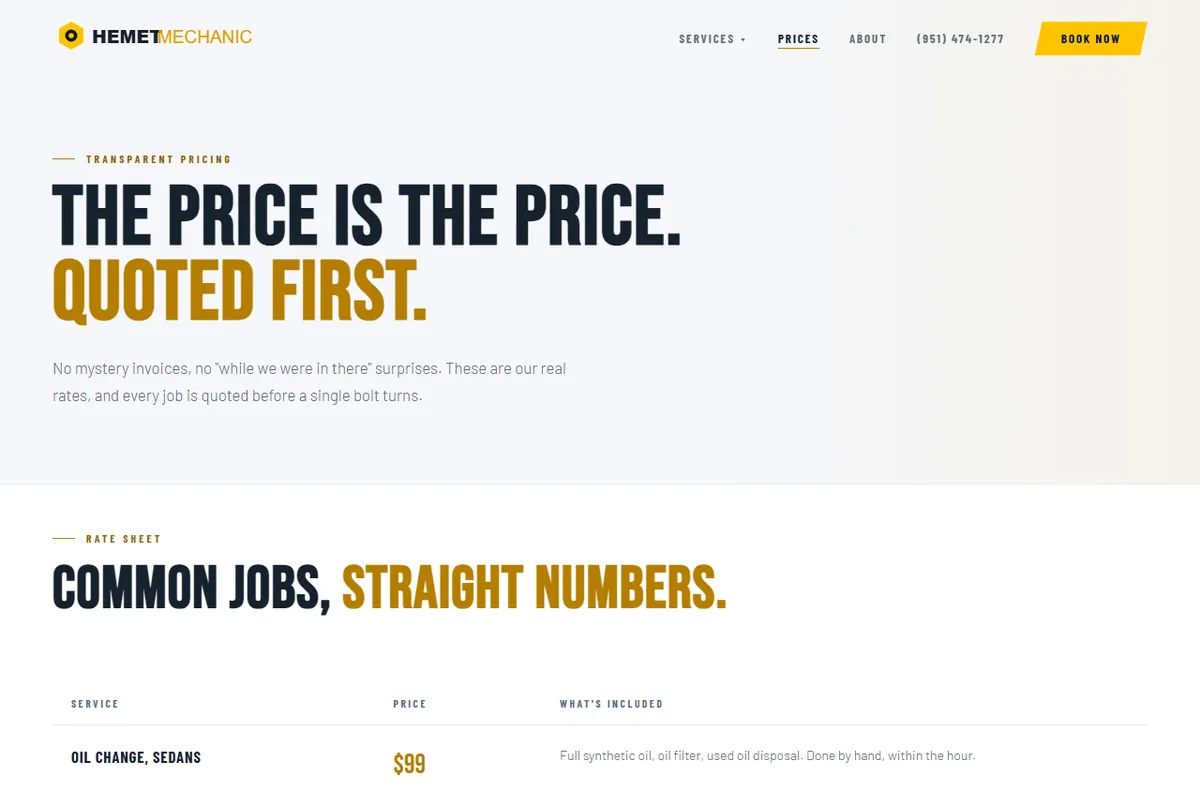
Here are live titles we wrote, copied exactly. Mobile Mechanic Hemet & San Jacinto | 3 Year Warranty. Brake Service & Repair, $125 to $150 per Axle | Supercanic. Pre Purchase Inspection, $225 in 48 States | PPI Auto. Each leads with the service, then gives a reason to click that a competitor can't copy, like a warranty, a real price, or coverage. The phone number goes in the meta description, never in the H1.
- One format that works is Primary Keyword | Benefit | Brand. Google sometimes rewrites titles, so keep yours accurate to the page.
- Don't stuff in every city and service. Long lists look like spam and get cut off anyway.
- Write down the old title and the date you changed it. Then you can see if clicks moved.
You Need a $15,000 Website?
What were you quoted for your last website, and did it make the phone ring? Leave the number in the comments.
Comment on YouTubeEmail Me The Free Course
Get your course link in your inbox so you can pick it up on any device. It's free, with no card.