FreeSchema generator + Rich Results TestAbout 40 min
Add and Validate Schema
Schema is structured data code. It tells Google and other search tools the facts about your page, like your business, products, or events.
Why this matters
It helps search engines and AI tools read your page correctly. Some types can still earn rich results, like product details, events, and breadcrumbs. Keep adding FAQs with FAQPage schema. Google stopped drawing the FAQ dropdowns in May 2026, but the questions and answers still feed AI answers and People Also Ask. Google won't show review stars a business adds about itself.
✓ How to do it
- Use a free schema generator to create JSON-LD for the right type (Organization, LocalBusiness, Product, BreadcrumbList).
- Add a visible FAQ section to every service and city page, with FAQPage schema that uses the same questions and answers word for word. Add new questions as customers ask them.
- In your Organization or LocalBusiness schema, list your Google Business Profile, Facebook, LinkedIn, YouTube and Yelp URLs under
sameAs. This ties your profiles to your site. - Paste it into the page
<head>or add it through your CMS. - Test it in Google's Rich Results Test to see if it qualifies for any rich result.
- Check it in the Schema Markup Validator (validator.schema.org) to catch errors in any schema type.
- Fix any errors they report.
Done whenEvery template passes the Rich Results Test and the Schema Markup Validator with no errors, and each service page has a visible FAQ.
From the field. C&S Locksmith, Greenville, TX
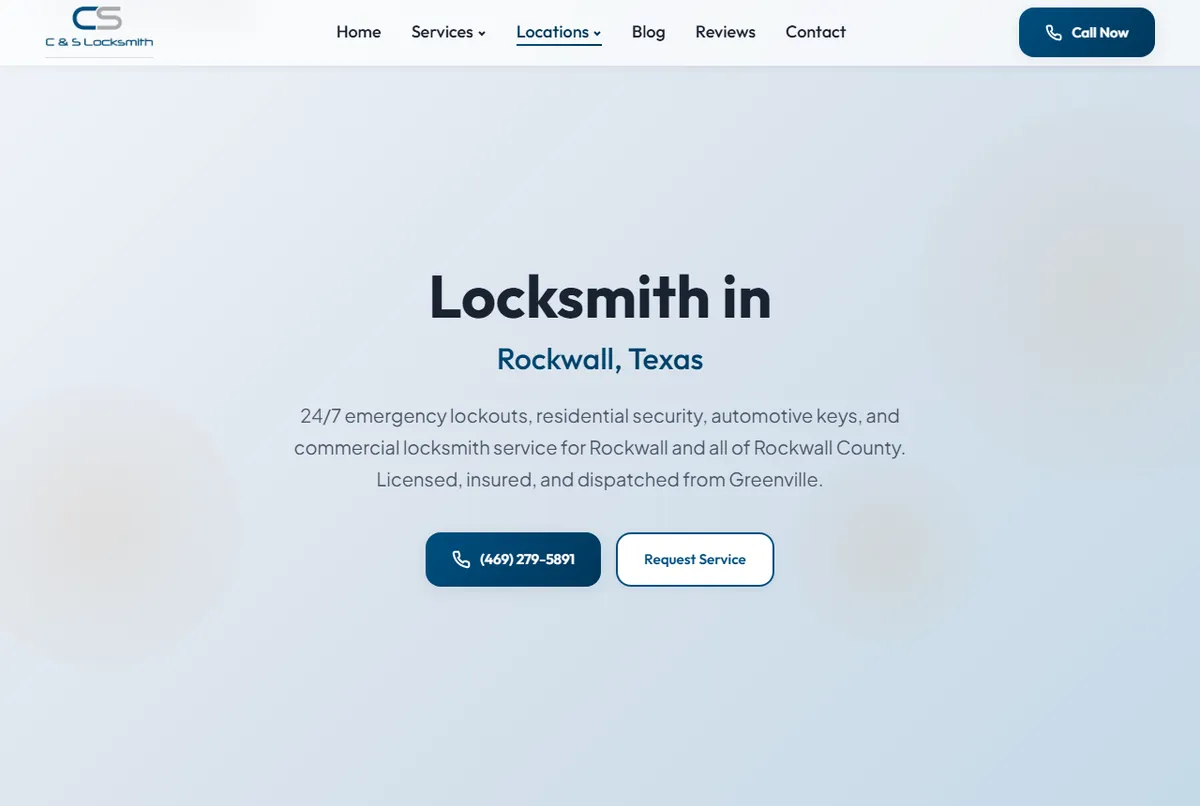
C&S Locksmith's Rockwall page carries Locksmith, Service, OfferCatalog, BreadcrumbList and FAQPage schema. The rule we follow is that every FAQPage question is also printed on the page, word for word. Schema that says something the page doesn't is the kind Google ignores.
Tips & pitfalls
- Only mark up what visitors can see on the page. Markup that doesn't match the page can be ignored or flagged.