Set Up a Review-Ask Routine
Build a simple habit of asking for reviews with your free GBP review link.
This lesson has a paid link. We earn a commission if you buy through it, at no extra cost to you. Every step still works with the free tools. How we handle paid links.
✓ How to do it
- In your profile, click Ask for reviews and copy your short review link.
- Text or email it to every happy customer right after the job.
- Reply to every review, good or bad.
- Never buy or fake reviews. It can get your profile suspended.
We use HighLevel for this. It can text your review link automatically when a job is done, and send a follow-up reminder.
Try HighLevelPaid link. We earn a commission if you buy through it. It costs you nothing extra.
Not needed to finish this step. Every step works with the free tools above.
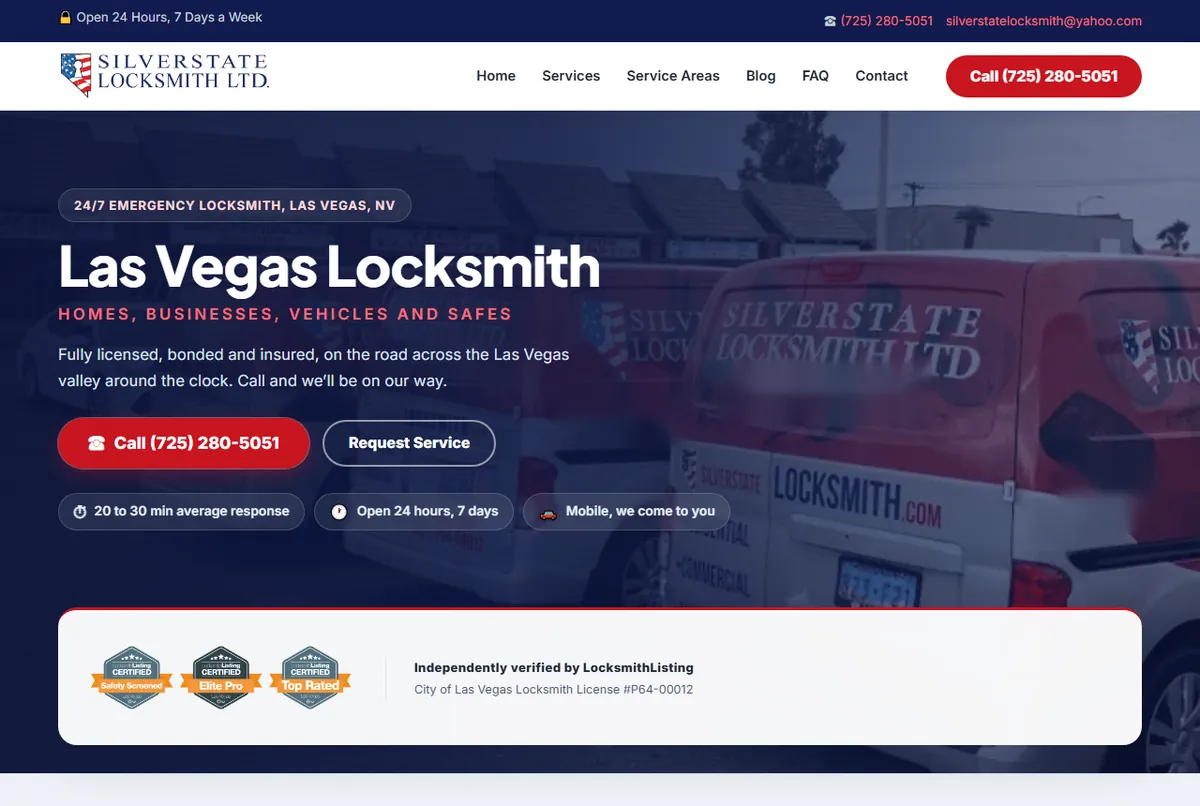
We ask for the review right after the win, with the direct link, and only then. Not in the invoice, not a week later. Meet Mike and Ezra of Silver State Locksmith in the video. A face on the website makes the business feel like people, which is who customers write reviews for.